

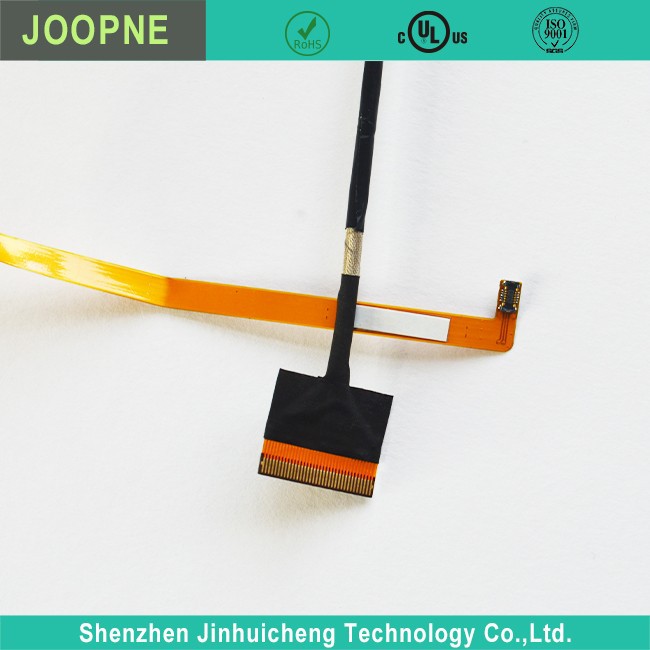

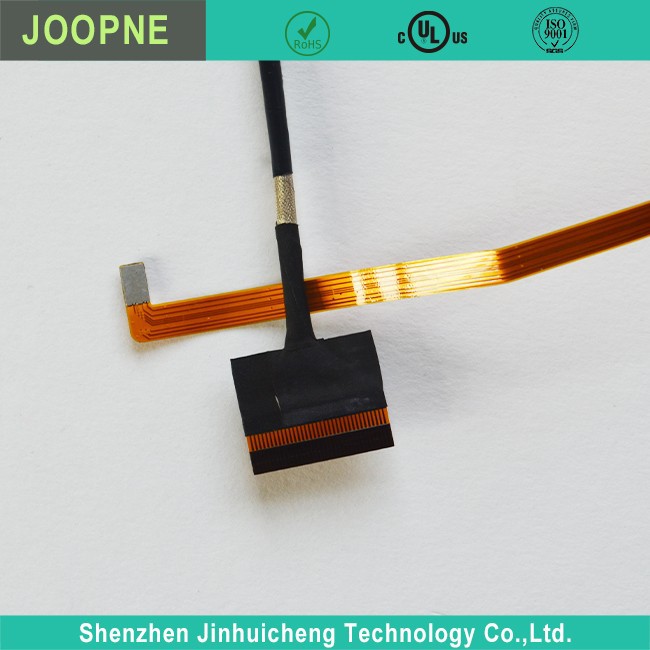
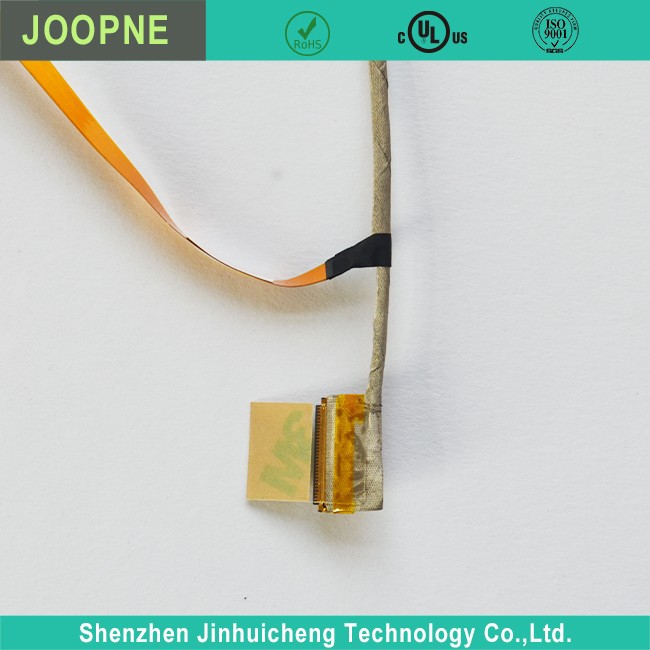
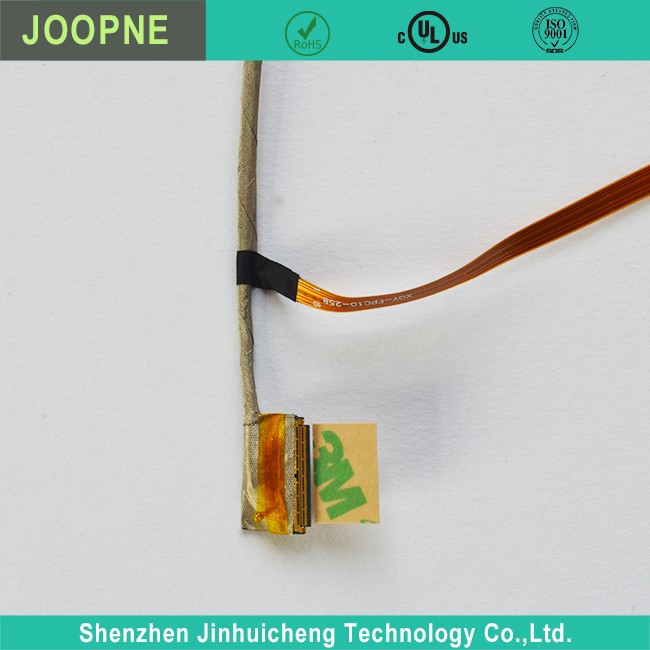
NP14G-S Laptop Screen Cable
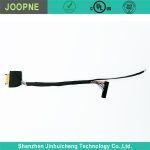
NP14G-S Laptop Screen Cable Description NP14G-S Laptop Screen Cable Parameter NP14G-S Laptop Screen Cable Introduction The NP14G-S is a type of flexible flat cable (FFC) that is used to connect the laptop LCD screen to the motherboard. It transmits power, video signals, and control signals…
Product Introduction
Description
|
· Connector |
|
· Different Fuction cable as Requirement |
|
· Suitable for Hair Dryer use |
|
· UL listed for safety; IEC standard; TUV |
Parameter
|
Rated Voltage: |
12V-24V |
|
Rated Current: |
1A-2A |
|
Connector: |
Connector |
|
Power Supply: |
Electric |
NP14G-S Laptop Screen Cable Introduction
The NP14G-S is a type of flexible flat cable (FFC) that is used to connect the laptop LCD screen to the motherboard. It transmits power, video signals, and control signals between the two.
It is a thin, ribbon-like cable with multiple thin conductors arranged side by side. This allows it to be flexible while still carrying multiple electrical connections.
Common features of the NP14G-S cable include:
- 14 pins arranged in a single row to connect to the corresponding 14-pin connector on the motherboard.
- Ground pins on either side that provide EMI shielding and protection.
- Pins in the middle for power (12V), backlight control, touch panel signals if present, and LVDS video signals.
- The LVDS (Low Voltage Differential Signaling) carries high-definition digital video data from the graphics card to the screen.
- Additional pins for power sequencing, screen on/off control, and brightness adjustment.
- A connector on the other end that matches the LCD screen’s socket/port.
- Cables are typically 30-50cm long to allow flexibility in screen positioning.
- The shielded design makes it resistant to electromagnetic interference.
So in summary, the NP14G-S laptop screen cable is a specialized FFC that transmits the necessary electrical signals from the motherboard to power and interface with the laptop’s LCD display panel. It is a core component enabling modern laptop screen functionality.




Frequently Asked Questions
Why does my laptop screen cable fail?
+
–
Physical damage – The cable gets pinched, twisted, or pulled too hard which damages the internal wires. Repeated flexing – Over time, the repeated flexing of the cable as the laptop is opened and closed can cause internal wires to break. Electrical issues – Some wires within the cable can fail due to electrical issues like short circuits or excessive current.
How do I know if my laptop screen cable has failed?
+
–
The most common symptoms of a failed screen cable are: Blank or black screen – The most obvious sign is that the laptop screen remains blank when turned on. Dim or flickering backlight – The backlight may remain on but be very dim or flicker intermittently. Distorted or discolored screen – Parts of the screen may appear discolored, distorted, or have vertical lines. No response to brightness controls – The brightness controls may no longer adjust the screen brightness.
How do I replace a laptop screen cable?
+
–
Replacing a laptop screen cable involves the following steps: Shut down the laptop and disconnect all cables. Remove the bottom case or rear cover to access the screen cable. Disconnect the failed screen cable from the LCD connector and backlight inverter (if applicable). Install the new screen cable by connecting it to the LCD connector and backlight inverter. Make sure the connections are secure. Reassemble the bottom case and reconnect all cables. Boot up the laptop and test the screen to ensure it is functioning properly.
Are there any precautions when replacing a laptop screen cable?
+
–
Yes, you should take the following precautions when replacing a laptop screen cable: Discharge any static electricity from your body before handling components to avoid damaging parts. Be gentle when disconnecting and connecting the cable to avoid bending or damaging the pins on the connectors. Make sure the cable is routed properly and not pinched or obstructed when reassembling the laptop. Test the screen thoroughly after installation to ensure there are no issues with the new cable.
Hot Tags: np14g-s laptop screen cable, China np14g-s laptop screen cable manufacturers, suppliers, factory, cctv camera extension cable, portable battery jumper cables, blue computer monitor cord, 2 gauge battery wire, halo bolt jumper cables, dmb40 lvds cable
Send Inquiry
