

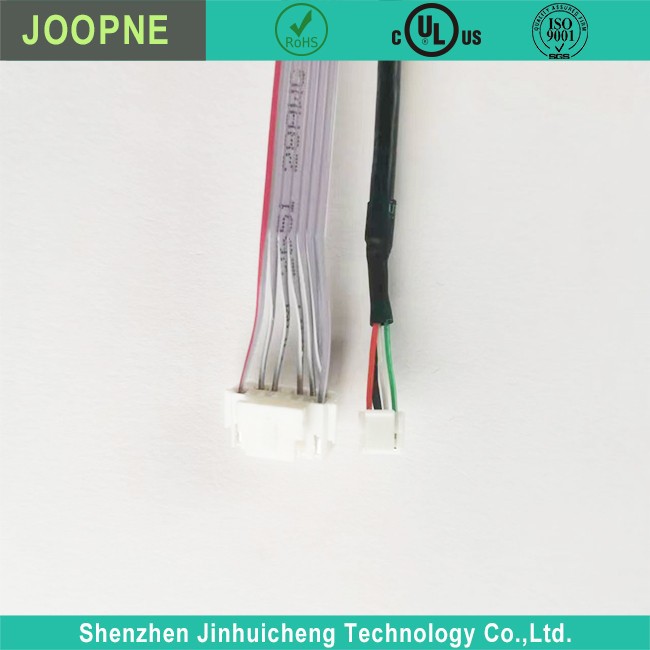

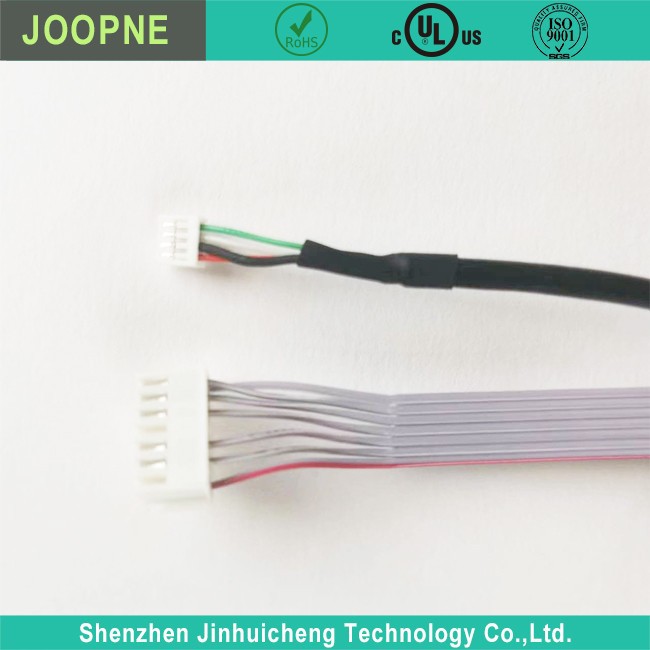
Button IR Cable
Button IR Cable Description Button IR Cable Parameter Button IR Cable Introduction An all-in-one computer is a desktop computer where the central processor and display are combined into a single unit. This allows for a compact design where the computer components and screen are integrated into…
Product Introduction
Button IR Cable Description
|
· Connector |
|
· Different Fuction cable as Requirement |
|
· Suitable for Computer and Machine use |
|
· UL listed for safety; IEC standard; TUV |
Button IR Cable Parameter
|
Rated Voltage: |
1V-5V |
|
Rated Current: |
0.5A-1A |
|
Connector: |
Connector |
|
Power Supply: |
Electric |
Button IR Cable Introduction
An all-in-one computer is a desktop computer where the central processor and display are combined into a single unit. This allows for a compact design where the computer components and screen are integrated into one device with no separate tower.
Many all-in-one computers use infrared (IR) remote controls to allow users to control basic functions like power, volume, playback, etc. without needing a physical keyboard or mouse.
An IR cable is needed to connect these all-in-one computer remote controls to the system. The cable has two main parts:
An IR receiver module that plugs into the computer’s USB port. This receives infrared signals from the remote.
A flexible cable that connects the IR receiver to the remote control. This allows the remote to be positioned wherever is convenient for the user.
When buttons are pressed on the remote, it sends infrared signals down the cable to the IR receiver. This module converts the IR signals to digital data that the computer can understand via the USB connection.
The computer is then able to detect button presses and commands from the remote control. This provides a convenient way to operate all-in-one systems without other input devices.





Frequently Asked Questions
Button IR Cable
What does IR stand for?
+
–
IR stands for infrared. IR cables transmit data using infrared light signals.
How do IR cables work?
+
–
An IR cable has an infrared receiver at one end that detects the infrared signals from an IR device like a remote control. The infrared receiver converts the IR signals into digital signals that the computer can understand via the USB connection. This allows the computer to detect inputs from the IR device.
What devices can I connect with an IR cable?
+
–
You can connect many IR devices to a computer using an IR cable, including:
• TV remotes
• Game console controllers
• IR mice and keyboards
• IR sensors
• Basically any device that transmits data using infrared signals.
What do I need to use an IR cable?
+
–
You’ll need:
• An IR cable with an infrared receiver at one end and a USB connector at the other end
• An IR-enabled device like a remote control
• A computer with an available USB port
• Optionally, software to configure the IR device as an input for the computer.
Can I use an IR cable with a laptop?
+
–
Yes, as long as your laptop has an available USB port, you can use an IR cable to connect IR devices to your laptop.
Hot Tags: button ir cable, China button ir cable manufacturers, suppliers, factory, Wire Harness, overmolded cable assemblies, Camera Cable, ultra flexible silicone wire, cctv data cable, lvds interface cable

Send Inquiry
