

How many types of computer cables are there?
Jan 14, 2026
Hey there! As a computer cable supplier, I’ve seen it all when it comes to the different types of cables that keep our digital world connected. In this blog post, I’m gonna break down the various kinds of computer cables out there, so you can have a better understanding of what each one does and when you might need it.
Power Cables
Let’s start with the basics – power cables. These are the unsung heroes that bring life to our computers and other electronic devices. Without them, our tech would be nothing more than a fancy paperweight.
The most common type of power cable for desktop computers is the IEC (International Electrotechnical Commission) cable. It’s a standard cable that you’ll find on most desktop power supplies. It has a three – prong plug on one end that goes into the wall socket and a C13 connector on the other end that plugs into the computer’s power supply.
Laptops, on the other hand, use a different kind of power cable. It usually has a proprietary connector that’s specific to the laptop model. These cables often come with an AC adapter that converts the high – voltage electricity from the wall into a lower voltage that the laptop can use.
Data Cables
Data cables are used to transfer information between different devices. There are several types of data cables, each with its own unique features and uses.
USB Cables
USB (Universal Serial Bus) cables are everywhere. They’re used to connect all sorts of devices to our computers, like keyboards, mice, printers, external hard drives, and smartphones. There are different versions of USB cables, including USB 2.0, USB 3.0, and the newer USB – C.
USB 2.0 is the oldest and slowest of the bunch, with a maximum data transfer rate of 480 Mbps. USB 3.0, on the other hand, can transfer data at speeds of up to 5 Gbps, making it much faster for transferring large files. USB – C is the latest standard. It’s reversible, which means you don’t have to worry about plugging it in the wrong way, and it can support even higher data transfer rates, as well as power delivery and video output.
Ethernet Cables
Ethernet cables are used to connect devices to a local area network (LAN) or the internet. They’re commonly used for desktop computers, routers, and gaming consoles. There are different categories of Ethernet cables, such as Cat5e, Cat6, and Cat6a.
Cat5e is the most basic and is suitable for most home and small – office networks. It can support speeds of up to 1 Gbps. Cat6 is an upgrade, with better shielding and the ability to support speeds of up to 10 Gbps over shorter distances. Cat6a is even more advanced, offering higher performance and longer cable runs at 10 Gbps.
HDMI Cables
HDMI (High – Definition Multimedia Interface) cables are used to transmit high – definition audio and video signals between devices, like computers, TVs, and gaming consoles. They’ve become the standard for connecting our entertainment devices. HDMI cables come in different versions, with the latest ones supporting features like 4K resolution, high – dynamic – range (HDR) video, and 3D video.
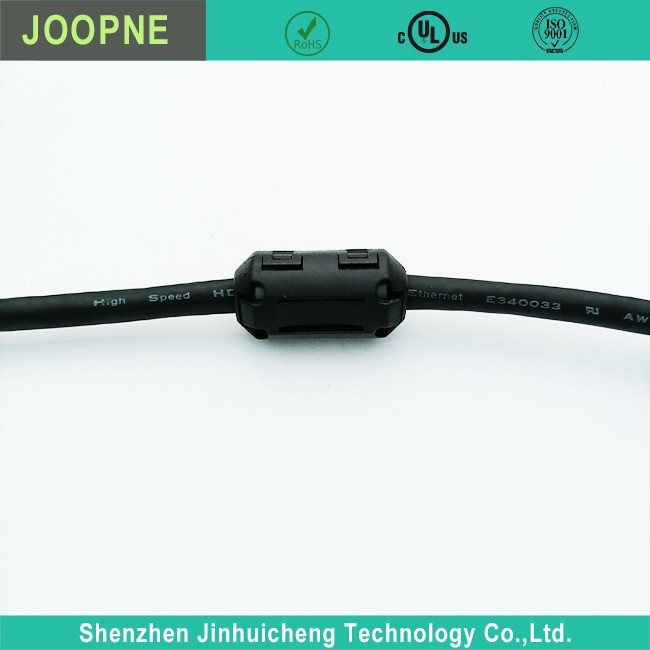
If you’re looking for an HDMI extension cable, check out our EMI Core HDMI Extension Cable Male To Female. It’s designed to provide a reliable connection for extending your HDMI signal.
Display Cables
Display cables are specifically used to connect a computer to a monitor or display device.
VGA Cables
VGA (Video Graphics Array) cables were once the standard for computer monitors. They use an analog signal to transmit video data. However, they’re becoming less common these days as digital display technologies have taken over. VGA cables can support lower resolutions compared to modern digital cables.
DVI Cables
DVI (Digital Visual Interface) cables are a step up from VGA. They can transmit digital video signals, which results in a sharper and clearer image. There are different types of DVI connectors, including DVI – D (digital only), DVI – I (both digital and analog), and DVI – A (analog only).
Thunderbolt Cables
Thunderbolt cables are a high – speed data and display cable developed by Intel. They can transfer data at extremely fast speeds and also support video output. Thunderbolt 3 and Thunderbolt 4 are the latest versions, offering speeds of up to 40 Gbps and the ability to daisy – chain multiple devices.
Specialized Cables
There are also some specialized cables that are used for specific purposes.
Button IR Cable
The Button IR Cable is used for infrared communication. It can be used to connect devices that support infrared signals, like some remote – controlled devices or sensors. This cable allows for wireless – like communication over short distances using infrared light.
Flexible Flat Ribbon Cable
Flexible Flat Ribbon Cables are thin, flat cables that are often used inside computers to connect components like hard drives, optical drives, and motherboards. They’re flexible, which makes them easy to route around other components in a tight space.

So, as you can see, there are a whole bunch of different types of computer cables out there. Each one plays a crucial role in keeping our devices connected and functioning properly. Whether you’re building a new computer, upgrading your network, or just need to replace a faulty cable, it’s important to choose the right one for your needs.
If you’re in the market for computer cables, we’ve got you covered. We offer a wide range of high – quality cables at competitive prices. Whether you need a simple USB cable or a specialized Button IR Cable, we can help. Contact us to start a procurement discussion and find the perfect cables for your requirements.
References
- "Computer Networking: A Top – Down Approach" by Andrew S. Tanenbaum and David J. Wetherall
- "Electronics for Dummies" by Gordon McComb
